Airtel Me2U code: how to transfer airtime and data to any Airtel number
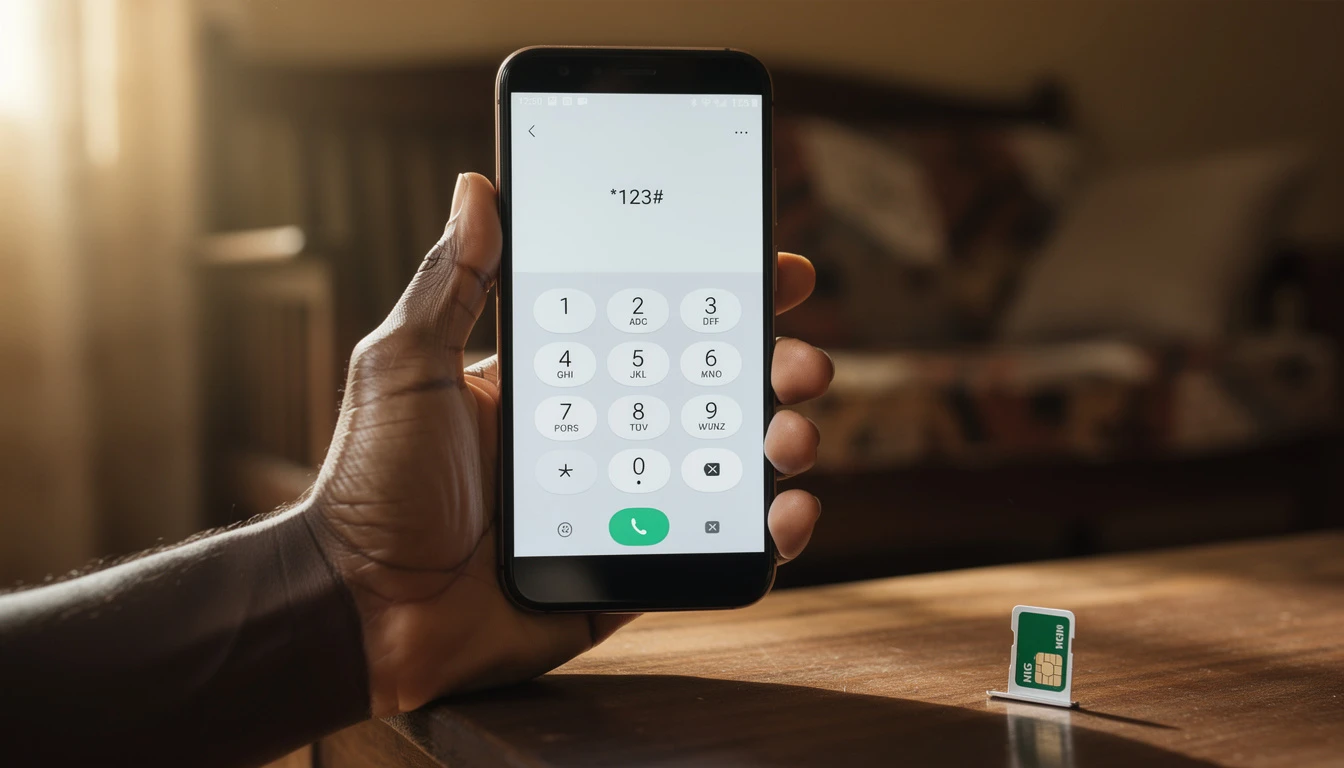
The Airtel Me2U code is *432*[recipient number]*[amount]*[PIN]#. Dial it, follow the prompts, and the airtime lands on the other person’s line within seconds.
If you’ve been searching for the right code or wondering why your transfer keeps failing, this guide covers everything – the exact Me2U code, how to set up your PIN, how to share data (which uses a completely different code), and how to fix the most common problems.
Key Takeaways
– The Airtel Me2U code is *432*[recipient number]*[amount]*[PIN]# – this is the only code you need for airtime transfer
– Me2U transfers airtime only; data sharing uses a separate code: *141*[recipient number]*[data amount]#
– The default Me2U PIN is 1234 – change it immediately for security
– Minimum transfer amount is N50; you can only transfer to other Airtel lines, not MTN or Glo
– New SIM cards must be active for at least 90 days before Me2U is enabled on the line
What is Airtel Me2U?
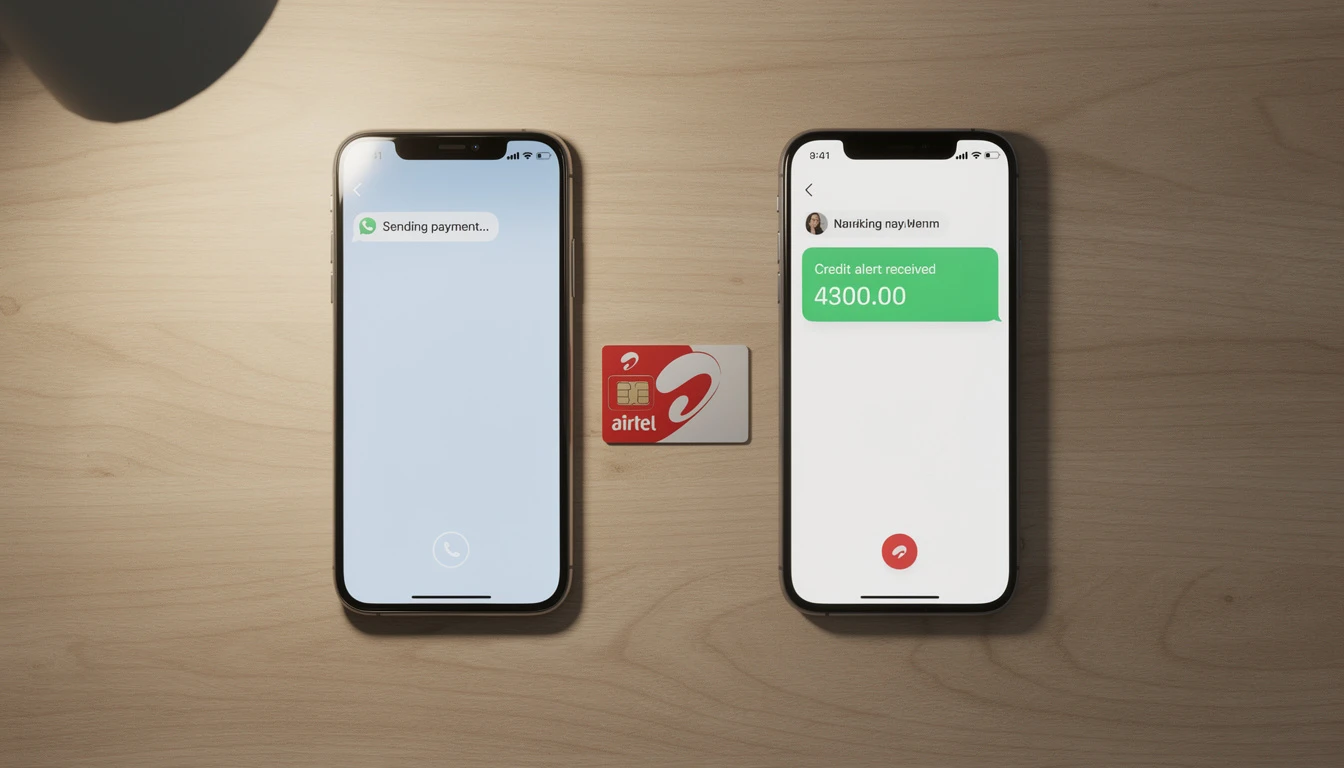
Me2U is Airtel Nigeria’s airtime gifting service. It lets you send airtime directly from your own Airtel line to another Airtel number without needing a physical recharge card, visiting a vendor, or sending money and hoping someone tops up their own phone.
Here’s when you’ll actually use it: You’re sending money to your kid at university and want to make sure they can call home. A friend needs credit for an urgent call. Your parent is out of airtime and won’t be near a vendor until tomorrow. Instead of going through a middleman, Me2U gets the credit there in seconds.
One critical thing to clarify upfront: Me2U handles airtime transfer only. Data sharing is a completely separate Airtel feature with its own code. Both are covered in this guide, but don’t confuse them – I’ve seen plenty of people trying to send data with the Me2U code and getting frustrated when it doesn’t work.
Airtel Me2U code: how to transfer airtime step by step
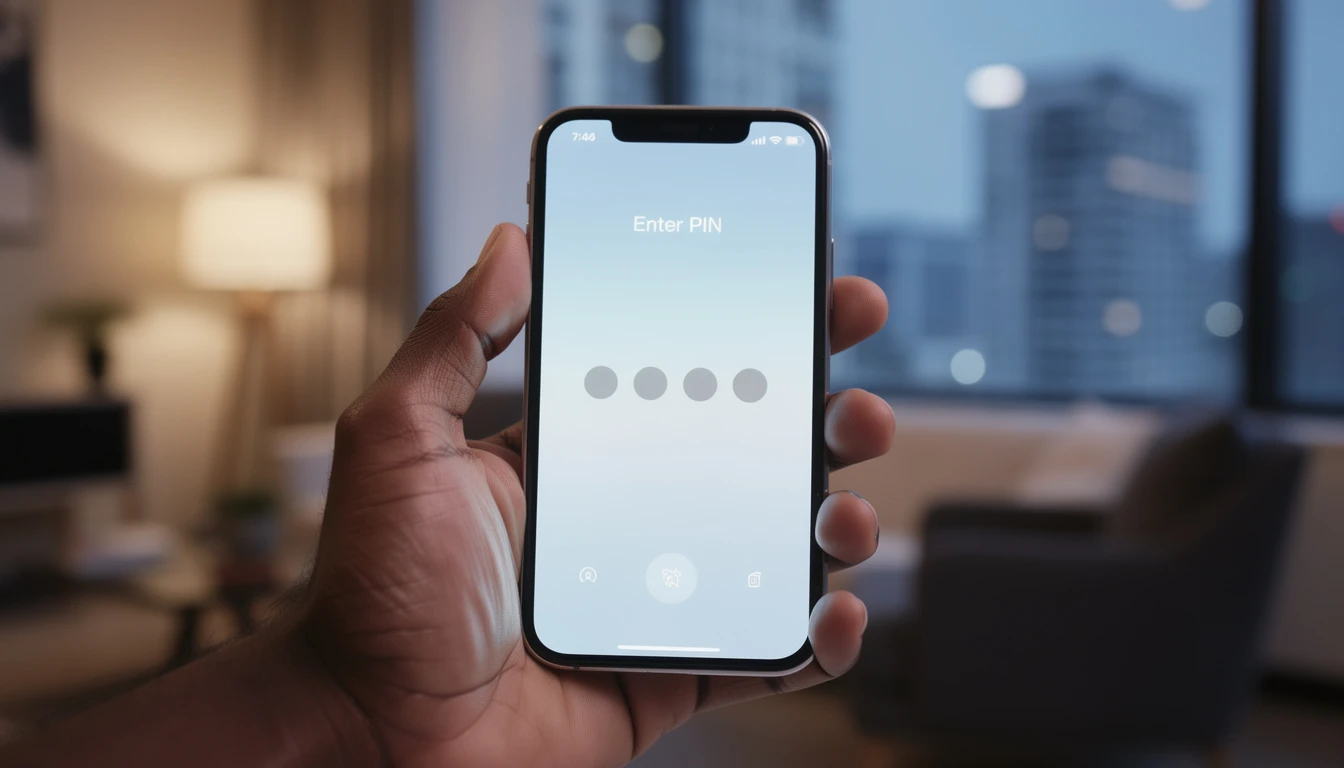
Here’s exactly what you need to do.
The Airtel Me2U USSD code:
*432*[recipient Airtel number]*[amount]*[PIN]#
To send airtime:
- Open your phone’s dialler
- Type the code with the actual recipient number, amount, and your PIN filled in
- Example: To send N200 to 0802XXXXXXX, dial *432*0802XXXXXXX*200*1234#
- Press the call button
- You’ll receive an SMS confirmation within seconds
The whole process takes under 30 seconds when everything works correctly.
Before you transfer, check these:
- The recipient must be on Airtel – Me2U doesn’t work across networks
- You need enough airtime in your balance to cover the transfer amount plus the N5 fee
- Your line must have Me2U enabled (more on eligibility below)
- The default PIN is 1234 – use this if you’ve never changed it
What happens next:
Airtel sends SMS confirmations to both of you. You see a debit; they see a credit. If neither SMS arrives within two minutes, check your balance to confirm the money actually left your account.
How to set up and change your Airtel Me2U PIN
The default PIN for every Airtel Me2U account is 1234. Everyone knows this, which is exactly why you should change it immediately – especially if you carry a decent airtime balance.
To change your PIN:
- Dial *432*0*OLD PIN*NEW PIN*NEW PIN#
- Example: Changing from 1234 to 5678 looks like this: *432*0*1234*5678*5678#
- Press call
- You’ll get an SMS confirming the change
Pick something you can remember but others can’t guess. Skip obvious ones like 0000, 1111, or your birth year.
If you forget your PIN:
Call Airtel customer care on 111 (free from an Airtel line) or 0802 300 0111 from any other phone. They’ll verify who you are and reset it. There’s no self-service reset option via USSD, so keeping that PIN safe actually matters.
Airtel Me2U transfer limits and eligibility
Not every SIM can use Me2U right away, and there are hard caps on how much you can send.
Before your line can use Me2U:
– Your SIM must have been active for at least 90 days (this is the #1 blocker for new lines)
– The line needs to be in good standing – no suspension or restrictions
– Brand-new SIMs are automatically blocked until that 90-day window passes
Transfer limits:
| Limit | Amount |
|---|---|
| Minimum transfer | N50 |
| Maximum per transaction | N2,000 |
| Maximum per day | N3,000 |
| Service fee | N5 per transaction |
The N5 fee gets deducted from your balance on top of the transfer amount. Send N200 and you lose N205 total.
The recipient also has to be on Airtel. If you dial an MTN or Glo number by mistake, the transfer fails immediately. Verify their network before you dial.
How to transfer data on Airtel (Airtel to Airtel data transfer)
Most people looking for “airtel me to you code” are actually trying to share data. I get it – both involve sending something from one Airtel line to another. But data sharing is completely separate, and it uses a different code entirely.
The Airtel data sharing code:
*141*[recipient Airtel number]*[data amount in MB or GB]#
To share 500MB with 0802XXXXXXX, dial: *141*0802XXXXXXX*500#
Or use the Airtel Smart app instead:
- Download Airtel Smart from Google Play Store or Apple App Store
- Log in with your Airtel number
- Go to “Share & Gift” then “Share Data”
- Enter the recipient’s number and data amount
- Confirm
If you’re sharing data regularly, the app’s faster than remembering the USSD format every time.
What you need to know about data sharing:
- You can only share data that’s still active in your bundle – expired data won’t transfer
- The recipient must be on Airtel
- Some data (promotional bonuses, for example) can’t be shared; only purchased bundles qualify
- Both lines need to be the same type (postpaid to postpaid, or prepaid to prepaid)
To transfer 1GB:
Using USSD: *141*[recipient number]*1024# (1024MB = 1GB)
Or just use the Airtel Smart app. It’s cleaner, especially your first time.
Here’s a real example: Emeka, a business owner in Lagos, gives his two employees Airtel lines for work calls. He spent an hour trying to use the Me2U code to send them data before realizing it doesn’t work that way. “Once I used *141*, it worked immediately,” he said in a telecom forum. His frustration is completely common – the two services look connected but Airtel treats them completely differently.
Airtel Me2U not working: common problems and fixes
This is where most people end up after the code doesn’t cooperate. Here’s what’s actually happening and how to fix it.
1. “Invalid PIN” error
You typed the wrong PIN, or you’re trying to use Me2U for the first time and entered something other than the default 1234.
Fix: Try 1234 first. If it fails, your PIN was changed at some point – call Airtel on 111 to reset it.
2. “Transfer failed – insufficient balance”
Your airtime balance is too low. Remember: you need the transfer amount plus the N5 fee.
Fix: Check your balance with *123#. Top up, then retry. Account for that N5 fee on top of what you’re sending.
3. “Service not available on your line”
Your SIM is under 90 days old. This is the most common blocker for new lines.
Fix: No workaround here – wait until day 91. Keep using your line for calls and data during this period. If your SIM is older than 90 days and you’re still blocked, call Airtel customer care for a manual check.
4. “Recipient not eligible”
The number you entered isn’t on Airtel, or doesn’t exist.
Fix: Double-check the recipient’s number is an Airtel line. Ask them to dial *121# to confirm their network, or just dial the number and hear if it rings.
5. You were charged but the recipient got nothing
Sometimes the transfer debits your account but the SMS gets delayed.
Fix: Check your own balance first. If you were debited, the transfer almost certainly went through on Airtel’s backend even if the confirmation text is late. Wait five minutes and ask the recipient to check their balance. Still nothing after that? Call Airtel customer care with your number, their number, and the time you attempted the transfer.
6. Data sharing isn’t working
If airtime transfers work fine but data sharing fails, it’s usually one of these:
- Using *432* instead of *141*
- Trying to share a bonus or promotional bundle (only purchased data works)
- The recipient isn’t on Airtel
- Your data already expired
Fix: Use *141*, verify your data is still active, and confirm the recipient’s network.
When to call Airtel:
If you’ve tried everything above and nothing works, dial 111 (free from Airtel) or 0802 300 0111 from any phone. Have your number, the recipient’s number, and the time you tried the transfer ready to go.
Save money on Airtel airtime and data with VTUKing
Whether you’re topping up your own line before sharing airtime through Me2U, or just keeping your balance healthy, buying Airtel airtime through VTUKing saves you money on every recharge. VTUKing offers Airtel airtime and data bundles below standard network prices.
Buy cheap Airtel airtime on VTUKing – instant delivery, no queues, works from any phone.
Frequently asked questions
What is the Airtel Me2U code?
*432*[recipient Airtel number]*[amount]*[PIN]#. Dial this from your Airtel line to send airtime to another Airtel number.
Can I use Me2U to transfer data?
No. Me2U is airtime only. To transfer data, use *141*[recipient Airtel number]*[data amount]#. They’re completely separate services.
What is the minimum amount I can transfer with Airtel Me2U?
N50 is the minimum. Maximum per transaction is N2,000; daily maximum is N3,000. Plus you pay a N5 service fee per transfer.
Why is my Airtel Me2U not working?
Most common reasons: wrong PIN (try 1234), insufficient balance, SIM under 90 days old, or the recipient’s number isn’t on Airtel. Check the troubleshooting section above for specific fixes.
Can I transfer airtime from Airtel to MTN or Glo?
No. Me2U only works between Airtel lines. If you need to move credit across networks, look into airtime-to-cash services as an alternative.
Is there a charge for using Airtel Me2U?
Yes – N5 per transfer, charged to you. Sending N200 costs N205 total.
How long does a new SIM need to be active before Me2U works?
90 days minimum. This is Airtel’s fraud prevention measure and can’t be skipped.
The Airtel Me2U service is straightforward once you have the right code and understand its limits. Save the format *432*[number]*[amount]*[PIN]# somewhere you can find it, change your PIN from the default 1234 today, and remember that data sharing uses *141* instead. For the fastest way to top up before you transfer, buy cheap Airtel airtime and data on VTUKing and always transfer from a full balance.