
How To Pay Startimes Subscription Online
Have you ever wanted to pay your Startimes subscription online from the comfort of your home or office using your mobile phone or computer? If yes, then this post is for you.
Paying your Startimes subscription online is not as hard as you think, all you need is a smartphone, an internet connection, smart card number, debit card and you are ready to go. Before we proceed to the proceed to the list, let’s take a look at the list and prices of Startimes packages.
Startimes Subscriptions Prices And Number Of Channels
Below is the list of Startimes package and prices:
For Dish Users:
- Nova Bouquet
50 Channels
Price: N900
- Smart Bouquet
87 Channels
Price: N1900
- Super Bouquet
107 Channels
Prices: N3800
- Chinese Bouquet
125 Channels
Price: N6600
For Antenna Users:
- Basic Bouquet
76 Channels
Price: N1300
- Classic Bouquet
103 Channels
Price: N1900
- Nova Bouquet
34 Channels
Price: N1900
Note: The prices might change from August 1st due to system upgrades.
How To Subscribe To Startimes Online Via Startimes Website
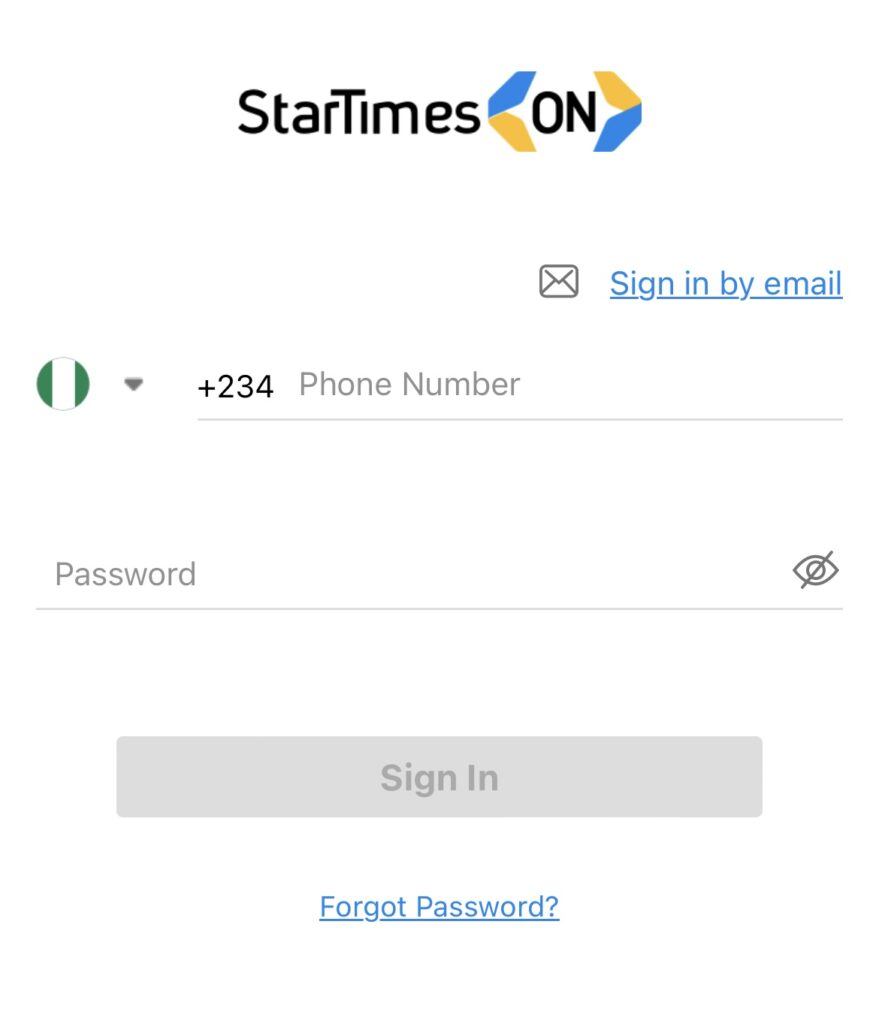
Step 1. Visit Startimes official website: http://m.startimestv.com/
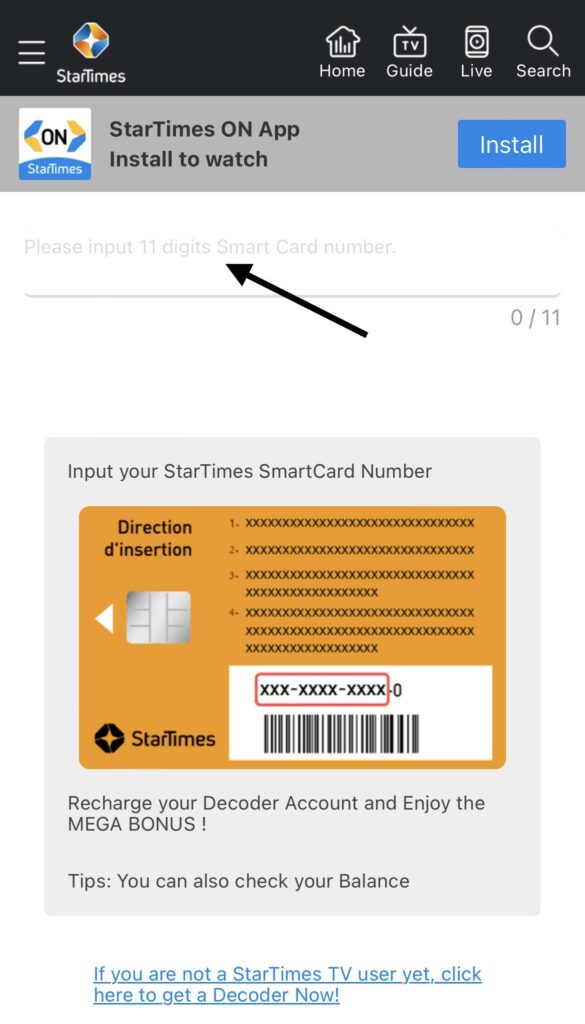
Step 2. Input your 11- digits smart card number
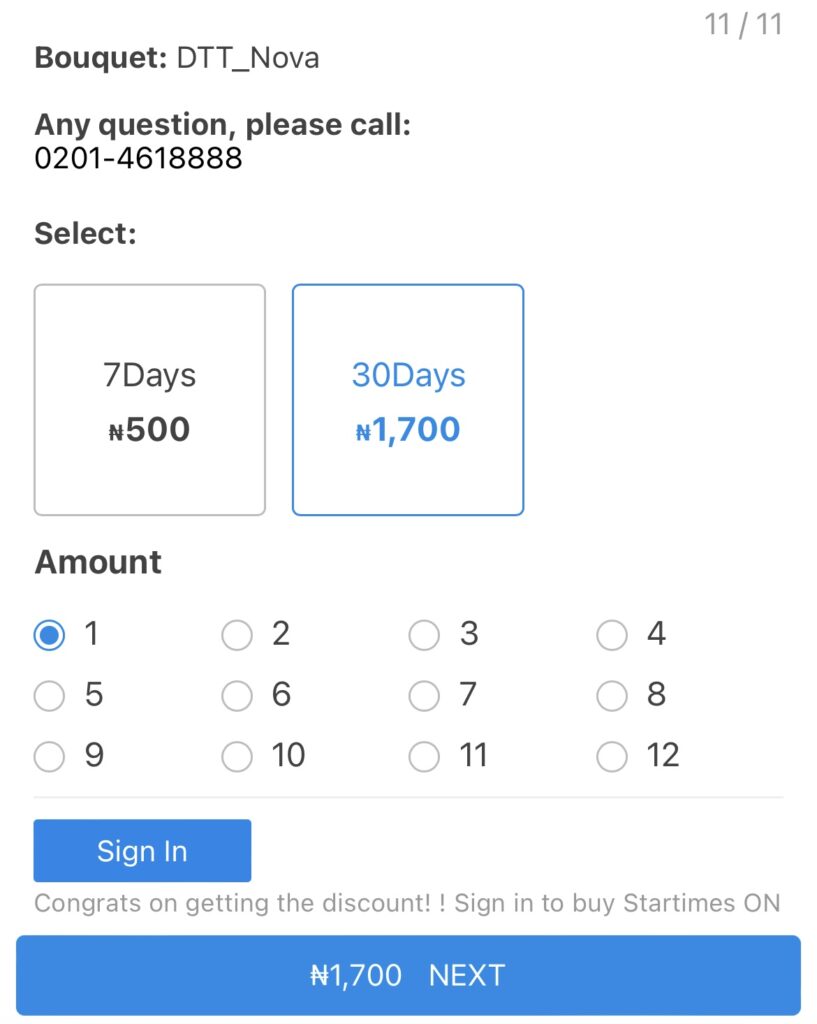
Step 3. Select the number of days and month you want to subscribe for and then click Next.
Step 4. Select payment method of your choice.

Step 5: Click Pay
Step 6. Fill in your card details and then click Pay
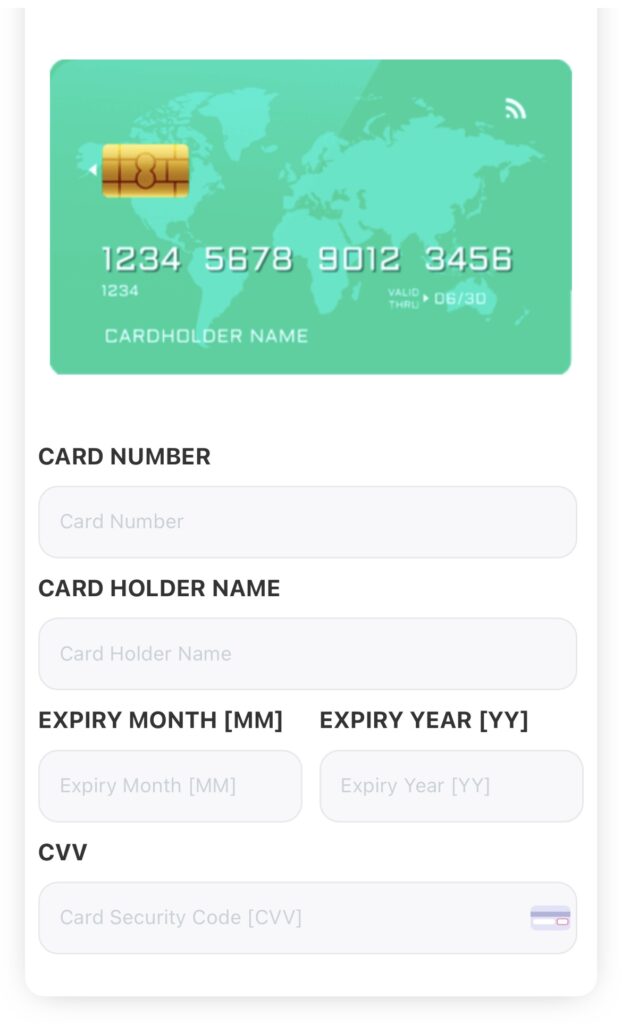
The Cable TV Subscription will be successfully paid.
How To Subscribe Startimes Online Via Vtuking
Step 1. Login to your VTUking Account, if you don’t have a Vtuking account click here to open one and fund your wallet.
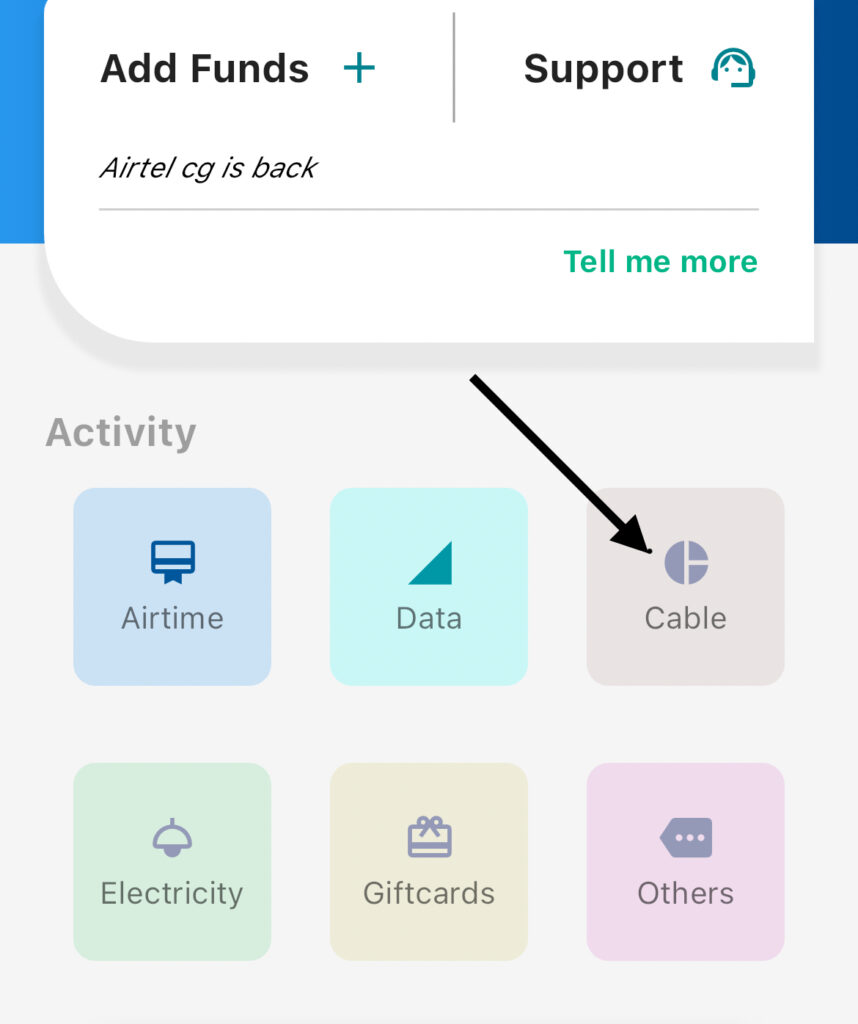
Step 2. Click on Cable TV
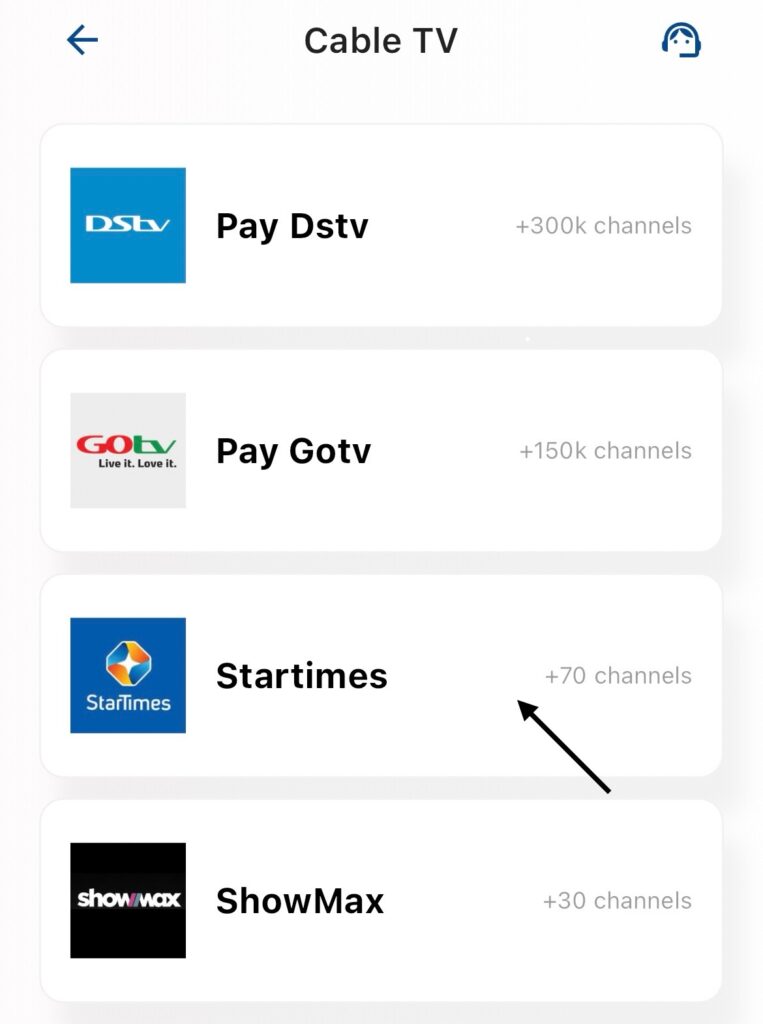
Step 3. Select the cable TV you want to Pay for i.e Startimes.
Step 4. Input the Smartcard Number of the Startimes decoder.
Step 5. Click on Continue.
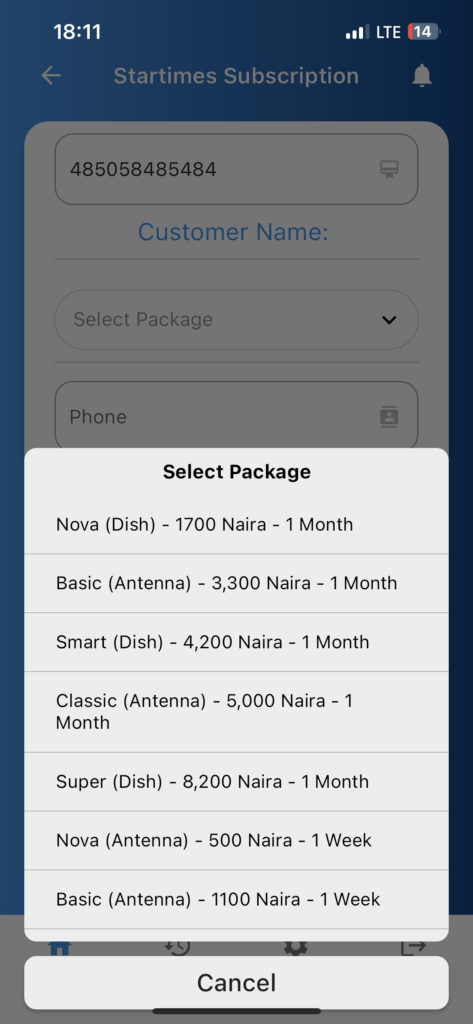
Step 6. Select the Startimes package.
Step 7: Click on Save or click Cancel to forfeit the payment.
The Startimes Subscription will be successfully paid.
Click Here To Pay Your Utility Bills Online
Feel free to drop your comments and questions below in the comment section!!!