Need to send airtime to someone on MTN? Dial *777*[recipient number]*[amount]*[PIN]#, and the airtime lands on their line within seconds. That’s it.
Haven’t set up your PIN yet? You’ll need a 4-digit code first (takes two minutes). Forgot it? We’ll cover the reset process. This guide walks through the exact code, PIN setup, step-by-step transfers, changing your PIN, and what to do when you blank on it.
Key takeaways
– The MTN airtime transfer code is *777*[number]*[amount]*[PIN]#
– Create a 4-digit transfer PIN first by dialling *777#. Minimum transfer is N50.
– You can only send airtime between MTN lines (not to Glo, Airtel, or 9mobile).
– Change your PIN anytime through *777# → Change PIN option.
– Forgot your PIN? Reset it through *777# or call MTN on 180.
What is the MTN airtime transfer code?
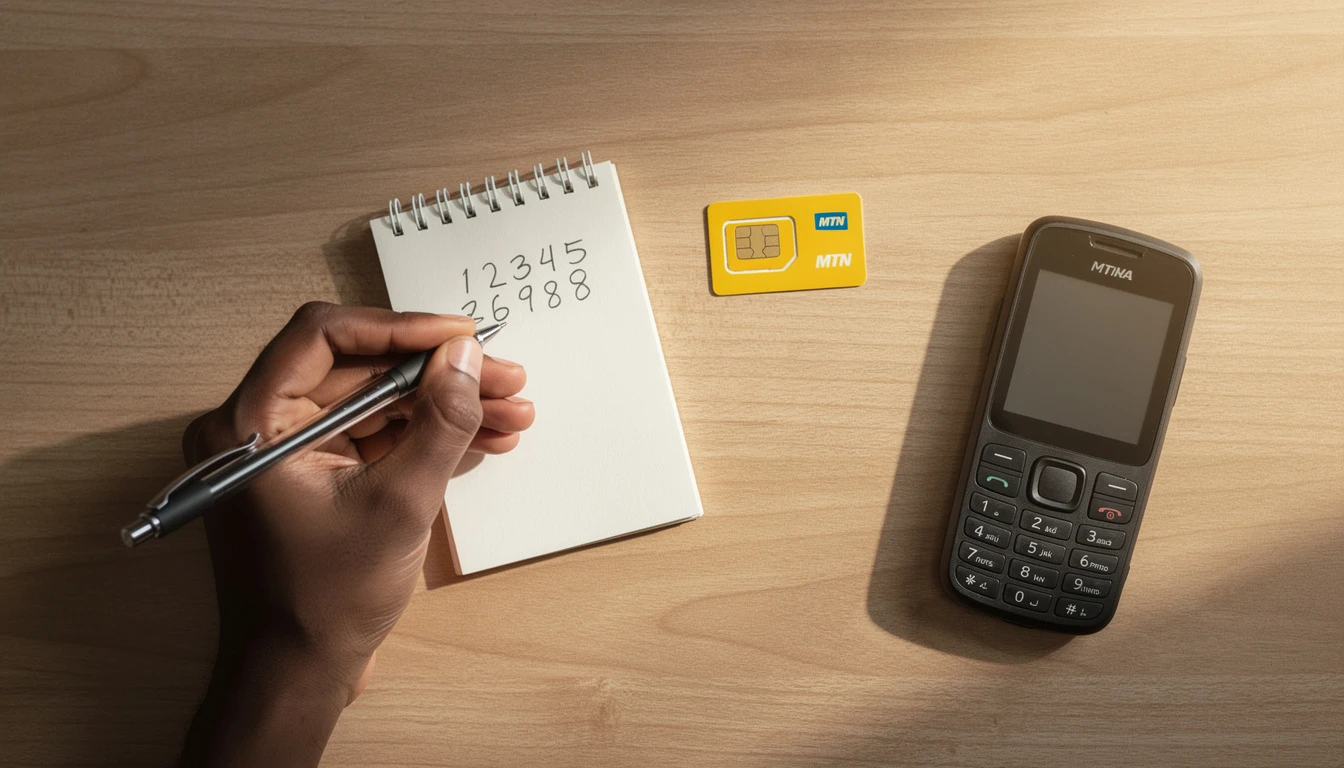
The airtime transfer code for MTN is:
*777*[recipient’s MTN number]*[amount]*[PIN]#
This is MTN Share and Sell – a service that lets you transfer airtime from your line to another MTN number instantly using USSD. No app. No internet. Works on any phone, from basic feature phones to the latest smartphones.
You’ll need one thing first: a 4-digit transfer PIN. This is different from your SIM PIN and is unique to Share and Sell. You create it yourself the first time you use the service.
Already have your PIN set up? Jump to the transfer section. First time? Start with PIN creation next.
How to create your MTN airtime transfer PIN

Before you can send airtime, you need to activate Share and Sell and create a PIN. Takes about 30 seconds.
- Dial *777# from your MTN line
- Select Share and Sell or Airtime Transfer from the menu
- Choose Create PIN or Set PIN
- Enter your preferred 4-digit PIN
- Confirm it by entering the PIN again
- You’ll get an SMS confirmation
Done. Your PIN is active.
About default PINs: Some MTN lines ship with a default PIN (often your last 4 digits). Change this immediately to something only you know. Leaving it as default defeats the whole purpose of having a PIN.
Here’s a real example: Chidi grabbed a new MTN SIM in March and wanted to send N500 airtime to his brother before an exam. He dialled *777#, realized he’d never set up his PIN, activated it in two minutes, and sent the airtime. His brother had credit before the exam started. One-time setup, never touched again.
How to transfer airtime on MTN – step by step
Once your PIN is active, sending airtime is straightforward:
- Open your phone’s dialler
- Dial: *777*[recipient’s number]*[amount]*[PIN]#
- Press call
- Wait for the confirmation SMS
The airtime is sent immediately. Both you and the recipient get an SMS confirmation.
Worked example
You want to send N200 to 0803 456 7890, and your PIN is 2589.
Dial: *777*08034567890*200*2589#
Press call. The N200 leaves your account and lands on 0803 456 7890 instantly.
Before you hit send
- Minimum amount: N50 (anything below won’t process)
- MTN to MTN only: This code doesn’t work cross-network. Can’t send to Glo, Airtel, or 9mobile numbers.
- You need enough credit: If you have N180 and try to send N200, it fails.
- Transfer fees apply: MTN charges a small fee on top of the amount. Check mtn.ng for current rates – they can change.
- It’s permanent: Airtime sent can’t be reversed. Double-check the number before confirming.
If you’re constantly topping up airtime for people, consider buying data directly instead. You can grab cheap data on VTUKing for less than standard network prices, which means your money stretches further.
How to change your MTN airtime transfer PIN
Want a new PIN? Takes a minute:
- Dial *777#
- Select Change PIN
- Enter your current PIN
- Enter your new 4-digit PIN
- Confirm the new PIN
- You’ll get an SMS confirming the change
Pro tip: Pick something that’s not your birthday, not your last four digits, and not a sequence like 1234. The whole point is that someone borrowing your phone can’t drain your airtime without knowing your PIN.
What to do if you forgot your MTN airtime transfer PIN
Happens to everyone. Here’s how to fix it:
Option 1: Self-service reset (fastest)
- Dial *777#
- Select Forgot PIN or Reset PIN
- Follow the prompts (you might need to verify with your MTN account details)
- Set a new 4-digit PIN
- Confirm it
Done. No waiting.
Option 2: Call MTN customer care
If the USSD reset doesn’t work, reach out directly:
- Short code: 180 (free from your MTN line)
- Full number: 0803 000 0180
- WhatsApp: 0803 000 0180
Have your SIM registration details handy. They’ll verify who you are before resetting your PIN.
Fatima forgot her PIN after months of not using the service. She dialled *777#, found the Forgot PIN option, and reset it in three minutes without talking to anyone. The self-service route worked perfectly.
Things you should know about MTN airtime transfer
A few details that’ll save you from headaches:
- It’s one-way and final: Once airtime is sent, it can’t be undone. Check the recipient’s number twice before confirming.
- MTN to MTN only: Cross-network transfers don’t work. For other networks, you’d need to buy them airtime separately.
- Daily limits exist: MTN caps how much you can transfer in a single day. The limit can change, so check mtn.ng for current rules.
- Both lines must be active: If the recipient’s line is expired or ported to another network, the transfer will bounce. Make sure the line is live first.
- No data needed: The whole thing runs on USSD. You don’t need internet or data to transfer airtime.
- Works on all phones: Feature phones, Android, iPhone – USSD works on everything.
If you’re regularly topping up airtime for a household or a group, a data reselling setup might make more sense. The VTUKing data reselling programme lets you buy data in bulk at cheaper rates and distribute it. Over time, that’s way cheaper than transferring airtime piece by piece.
How to actually save money on MTN
Airtime transfer works in a pinch, but if you’re constantly sending airtime or buying data for others, you’re probably spending more than you need to.
Here’s what actually works:
Buy data instead of airtime: Data bundles are almost always cheaper per unit than their airtime equivalent. Browse through the best MTN data plans for your usage, then buy them on VTUKing below network prices.
Switch to a plan that fits how you actually use your phone: Most MTN users stick with default plans that don’t match their real usage. Mostly on data? You might be overpaying. Switching your MTN tariff plan takes two minutes and could save you money every month.
Confirm you’re sending from the right line: If you have multiple lines, check your MTN number first before dialling. Transferring from the wrong line when you have two is a surprisingly common mistake.
Real example: Adaeze manages data and airtime for her family of four, all on MTN. She used to send individual airtime transfers every week – cost her N200-N300 in fees alone per month. She switched to buying data bundles directly on VTUKing for everyone, killed the transfers, and cut her monthly telecom spend by about 20 percent. Same effort, smarter approach.
Frequently asked questions
What is the code to transfer airtime on MTN?
The code is *777*[recipient’s number]*[amount]*[PIN]#. For example, sending N100 to 0802 111 2233 with PIN 4567 looks like: *777*08021112233*100*4567#
How do I activate MTN airtime transfer?
Dial *777#, select Share and Sell, and follow the prompts to create your PIN. Once it’s set, you can start transferring immediately.
Can I transfer airtime from MTN to Glo or Airtel?
No. This code only works between MTN lines. Cross-network transfers aren’t supported – you’d need to buy airtime separately for Glo, Airtel, or 9mobile numbers.
What is the minimum amount I can transfer on MTN?
N50 is the minimum. Anything below that won’t process.
How many times can I transfer airtime on MTN in a day?
MTN sets a daily cumulative limit. The specific amount changes, so check mtn.ng or dial *777# for the latest terms.
What happens if I send airtime to the wrong number?
It’s gone. The airtime goes to whoever owns that number and can’t be reversed. Always verify the number before pressing call.
Does MTN charge a fee for airtime transfers?
Yes. MTN deducts a transfer fee from your account on top of the amount you’re sending. Check mtn.ng for the current fee – it might be flat or percentage-based.
Quick reference: all MTN transfer codes in one place
| Action | Code |
|---|---|
| Open Share and Sell menu | *777# |
| Transfer airtime | *777*[number]*[amount]*[PIN]# |
| Create or reset PIN | *777# then follow prompts |
| Change PIN | *777# then select Change PIN |
| MTN customer care | 180 |
Set up your PIN once, test a small transfer to make sure it works, and you’re done. You’ll use this for years without thinking about it.
For data, airtime, electricity, and cable TV bills, handle everything in one place at VTUKing and pay less than buying direct from the network.